It reads the report through MCP and uses it according to its capabilities.
Browser context for agents
Voice2Bug is a Chrome extension that captures steps, URLs, optional screenshots, and available technical data as you reproduce a problem.
It organizes them into a single report that your agent can access through MCP.
- Browser
- Report
- MCP
- Agent
Your agent may be brilliant.Without context, it still guesses.Voice2Bug gives it the data.
Product demo
See how a report is created.
Context moves forward
Reproduce it once.
Get something you can work with.
You do not assemble a ticket by hand from five different windows. You reproduce the problem, review the report, and hand the same material to someone on your team or an agent.
BUG-214PAYMENT
Payment stalled after clicking “Pay”
STEPS
Open the cart → choose a payment method → click “Pay”
ACTUAL RESULT
The button keeps loading indefinitely.
EXPECTED RESULT
The user reaches the confirmation screen.
3 screenshotsconsolenetworkbrowser
Support, QA, or a developer receives the same organized material.
The problem does not start with the model
The agent never saw
what happened in the browser.
- 01
The agent gets: “payment does not work.”
- 02
Sometimes it also gets a single screenshot.
- 03
The steps, page address, and expected result are missing.
- 04
The work starts with guesswork.
A good model cannot reconstruct information it never received.
- 01
The user reproduces the problem.
- 02
Voice2Bug captures the steps and available technical data.
- 03
The user reviews the report and enters the expected result.
- 04
A person or an agent gets organized context.
Context is captured while the problem is reproduced, not only afterward.
How it works
Context reaches the agent before it starts working.
Voice2Bug does not write code, run tests, or click on behalf of the agent. It captures, organizes, and shares the input material. What happens next depends on the capabilities of whoever receives the report.
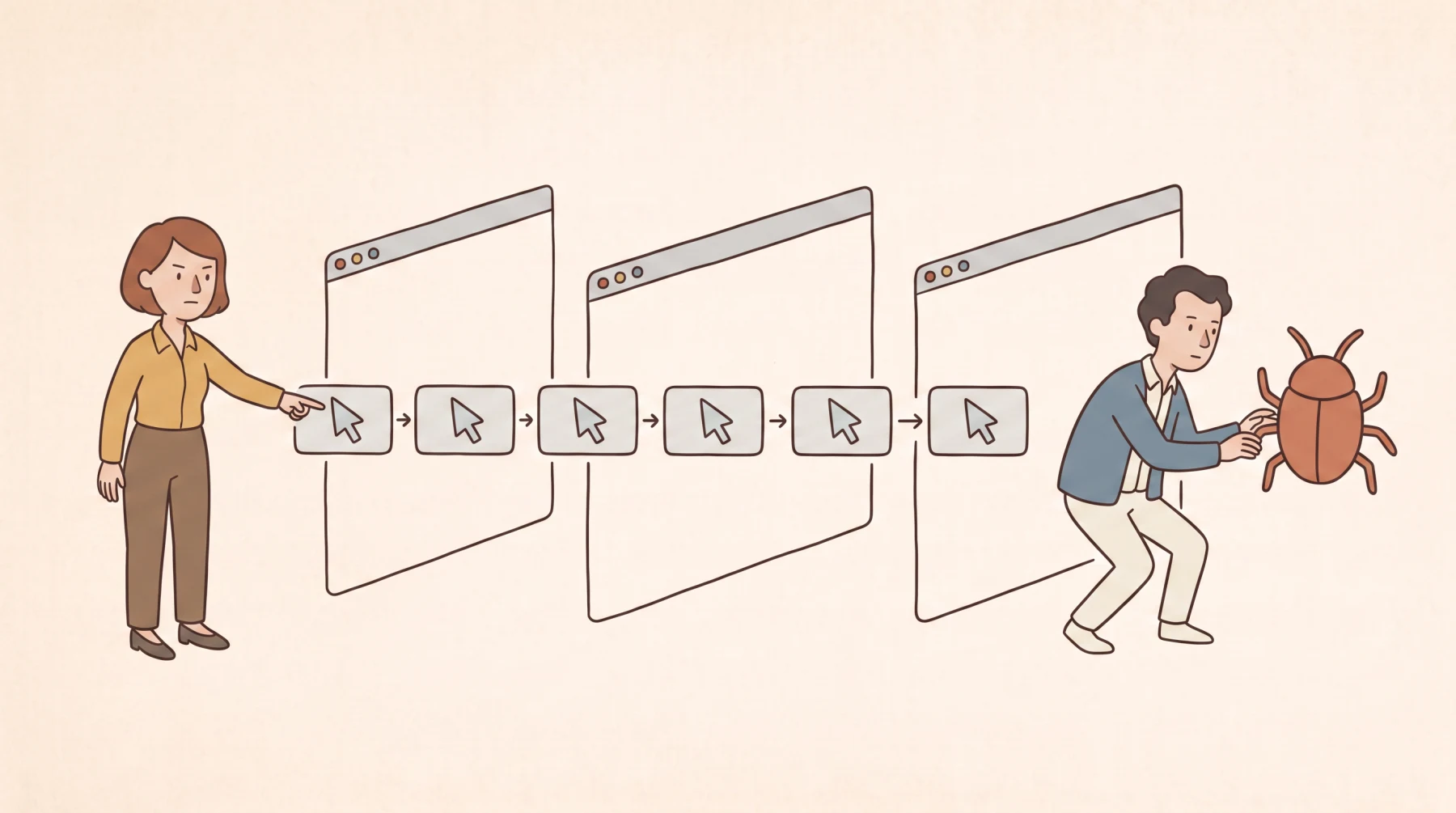
- 01
Reproduce the problem
You do not switch between the browser and a form. You walk through the scenario while Voice2Bug can capture actions, URLs, and optional screenshots.
- 02
Review the context
Review the title, steps, and evidence. Enter the correct application behavior in the separate expected-result field.
- 03
Hand off the report
Send it by email, share a link, create a ticket, or let an agent read the report through MCP.
- 04
Let your agent do its job
It can analyze, code, test, or work in a browser if it has those capabilities.
Speaking is almost3× faster than typing.
No switching to a tracker. No assembling a report from scratch.
The expected result matters
“What happened” without “what should have happened” is still only half the context.
The actual result describes the visible problem. The expected result defines what correct behavior looks like. Without it, an agent may be able to run through the scenario, but it will not always know which result it should confirm.
ACTUAL RESULT
Saving created two identical orders.
EXPECTED RESULT
Saving should create one order.
You enter the expected result yourself before handing off the report.
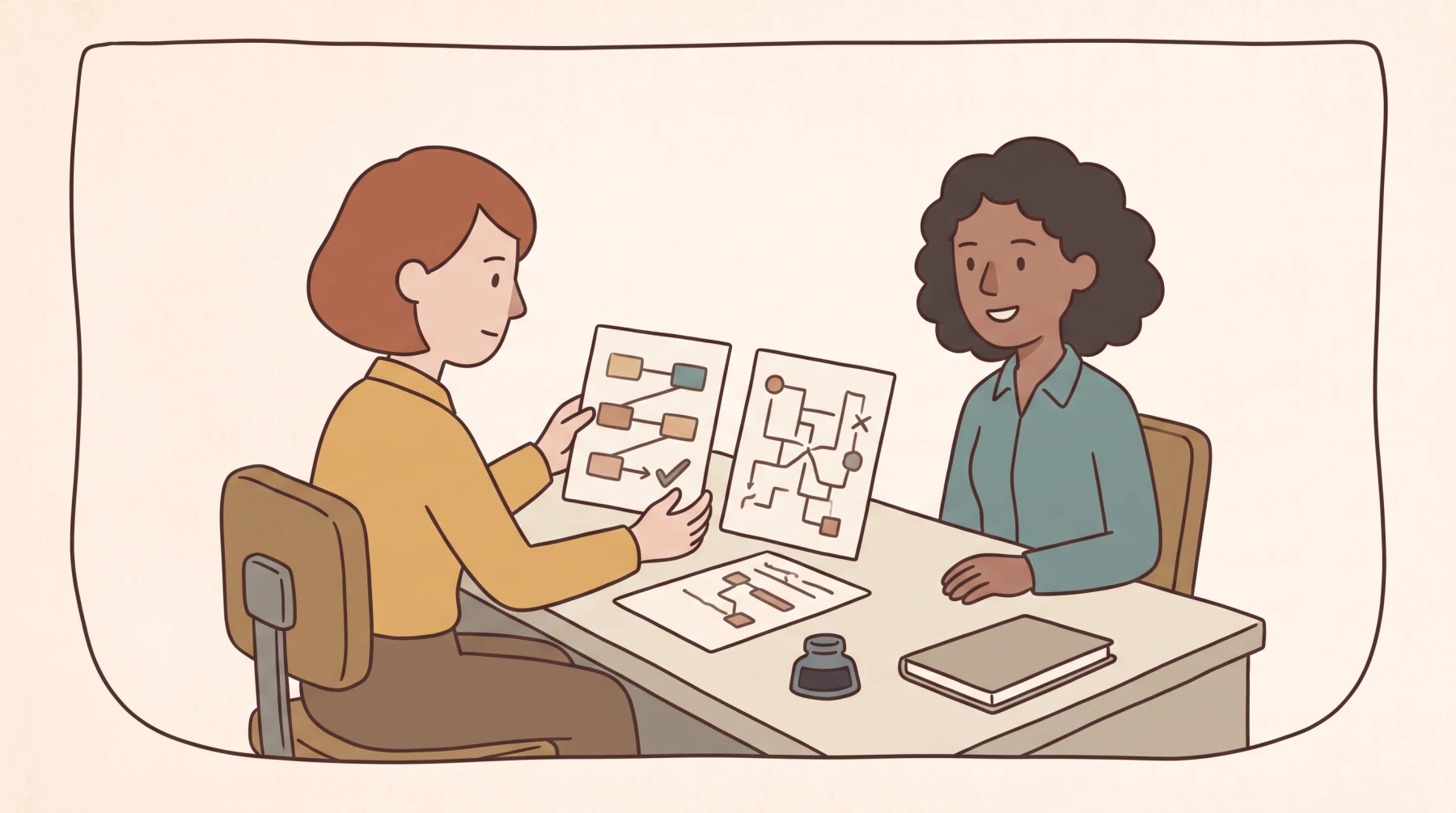
One report. Different tasks for the agent.
Voice2Bug does not need to know what the agent will do next.
Its job is to provide credible input material. Coding, testing, analysis, and browser operation are agent capabilities, not Voice2Bug features.
01Example
Coding agent
It can read the report through MCP and start fixing the issue right away.
- reproduction steps and URLs
- actual and expected results
- available browser evidence
Testing agent
It can run through the scenario and compare the actual result with the expected one if it supports those tasks.
Analysis agent
It can review the description, steps, and evidence, then point out what is missing or worth checking.
Browser-use agent
It can reproduce the documented steps if its environment supports those actions.
A clear boundary
Voice2Bug provides context.
The agent does the rest.
The same report can become input for analysis, coding, testing, or browser work.
REPORT→MCP→AGENT→CODE / TEST / ANALYSIS / BROWSER
VOICE2BUG:capturesorganizesshares context
What a report may contain
Context you can actually start working from.
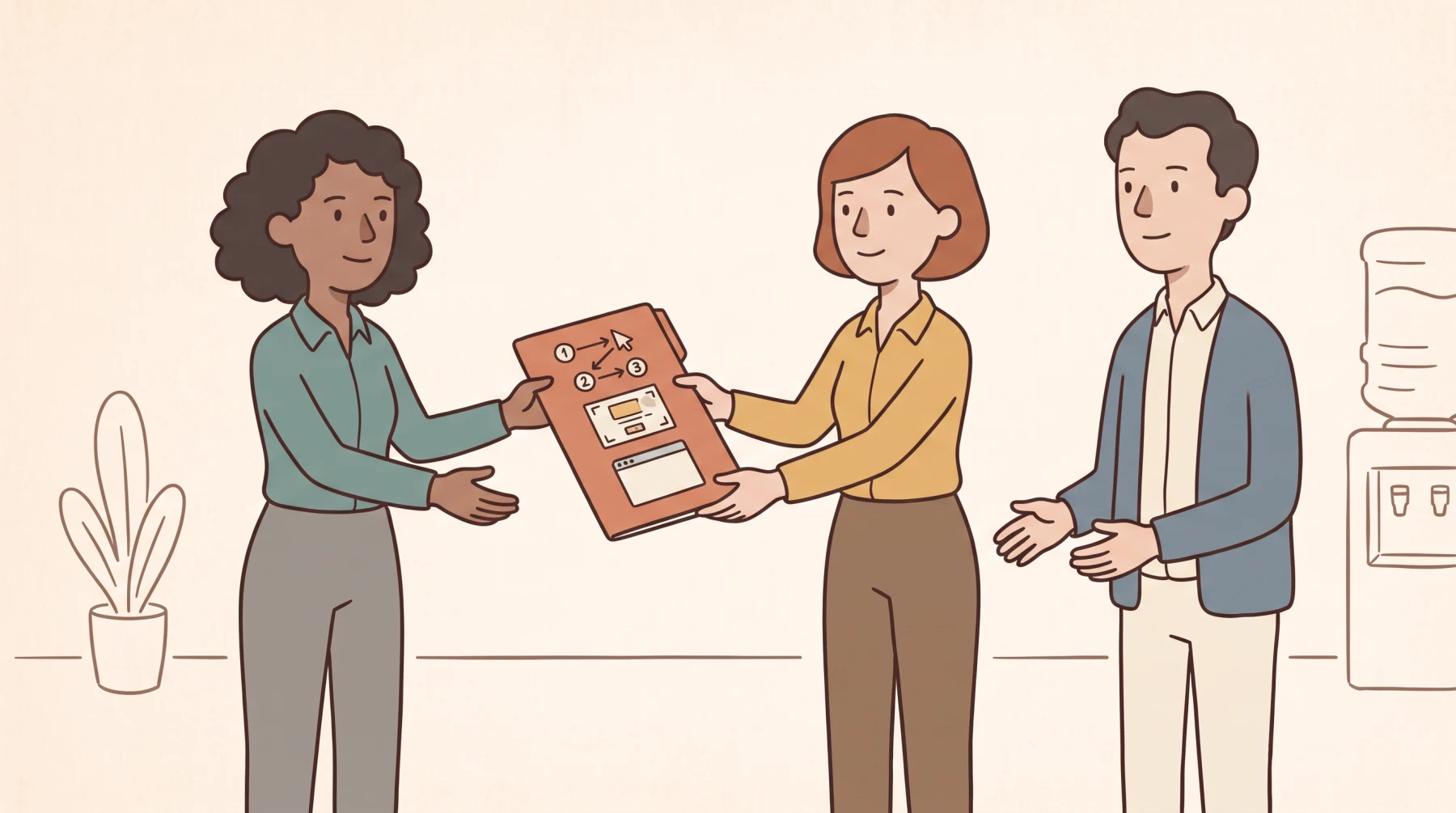
What does the report contain?
How to reproduce the problem
The sequence depends on the actions that were actually captured.
Actual and expected results
The visible problem and a separate field for the correct application behavior.
Screenshots and URLs
Optional screenshots of the visible area and the addresses of visited pages.
Browser context
Available, redacted technical data. Some fields may be missing, filtered, or size-limited.
Console and network
Available console errors and selected network requests as evidence, not instructions.
Where the report goes
One report.
Two ways forward.
To a bug tracker for the team or through MCP to an agent. Through MCP, the agent can only read the report.
Full product trial
Give your agent context from a real problem.
30 days of full access. No card and no automatic payment. Your trial starts after activation.
- Chrome extension
- unlimited reports during the active trial
- read-only MCP connection
Questions and answers
Frequently asked questions.
Is Voice2Bug an agent?
No. Voice2Bug captures, organizes, and shares the context of a problem. A person or an external agent does the work that follows.
Does the agent have to be a coding agent?
No. The report can be used by a coding, testing, analysis, or browser-use agent. What it does next depends on its capabilities.
How does the agent know what the expected result is?
It does not know until you provide it. After the report is generated, you fill in the separate “Expected result” field yourself. Only then do you hand the report to the agent.
Which AI clients does MCP work with?
Voice2Bug supports Codex and Claude Code through MCP. An agent can read reports, but MCP does not give it access to the repository or any write tools.
Does every report include console and network data?
No. The scope depends on the data that was actually captured. Fields may be missing, filtered, redacted, or size-limited.
Does Voice2Bug replace an issue tracker?
No. A system such as Jira or Linear stores the issue. Voice2Bug first captures browser context and organizes it into a report. You can use that report to create an issue in Jira or Linear, send the content by email, share the report through a link, or move it to another system.
How is MCP access protected?
The connection uses OAuth and is assigned to the workspace selected during sign-in. Before every read, Voice2Bug checks the user's permissions and active product access. MCP exposes no write operations, and you can disconnect it in the admin panel.
When does Voice2Bug collect data?
Only during a session that you start yourself. Voice2Bug does not record your screen continuously. In manual mode, you can review the report and remove selected evidence before sending it.
Is voice required?
No. Voice and screenshots are optional. Voice2Bug can create a report from the captured actions and other available browser evidence.
Does the extension save localStorage, sessionStorage, or cookies?
No. The extension does not save the contents of localStorage, sessionStorage, or cookies from visited pages.
How does the 30-day trial work?
The trial starts only after the extension has been successfully activated. You get full access and can create unlimited reports for 30 days. No card is required, and nothing is charged automatically. When the trial ends, features that require active access are disabled, but your account and data are not deleted automatically.
What about data protection and GDPR?
Voice2Bug may process captured actions and URLs, optional audio and screenshots, report content, and selected technical context. Recognized secrets, tokens, and email addresses are masked. Learn more on the Security page and in the Privacy Policy.